
Demo JLR Topix Cloud 1-Day 2017-2026
? Product Description
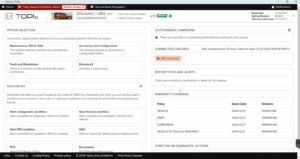
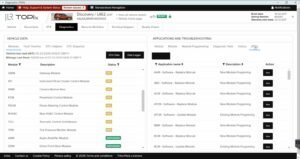
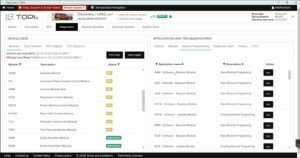
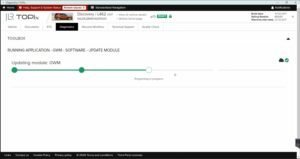
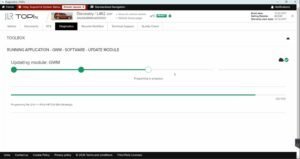
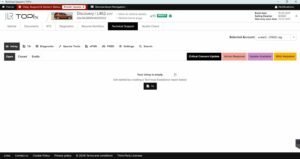
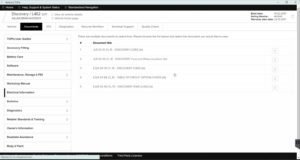
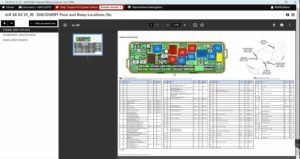
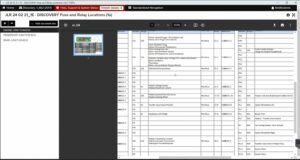
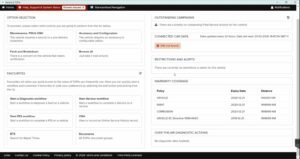
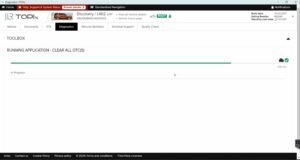
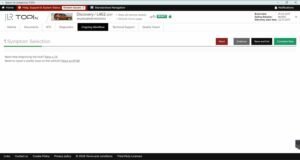
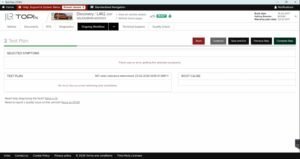
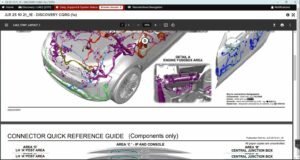
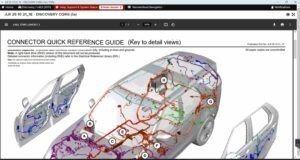
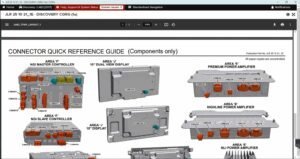
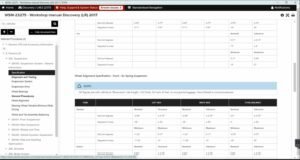
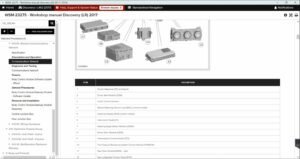
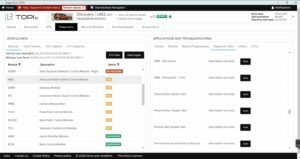
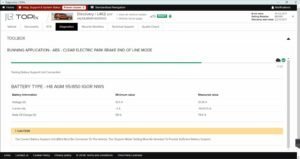
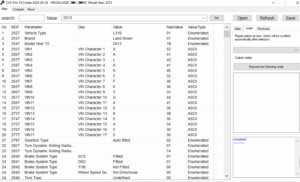
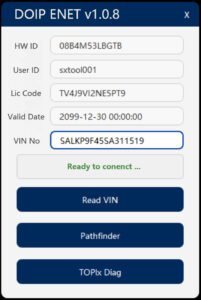
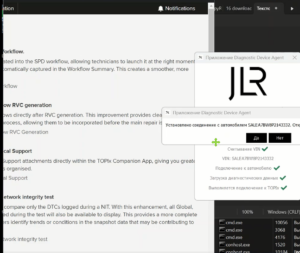
The Demo JLR Topix Cloud 1-Day 2017-2026 gives technicians a full day of dealer‑level cloud access. A workshop obtains a Demo JLR Topix Cloud 1-Day 2017-2026 to test online diagnostics, programming, and calibration downloads. This secure gateway connects the vehicle directly to JLR’s central servers via DoIP or Enet. Consequently, users can perform module updates, configuration changes, and advanced fault tracing. The demo provides all the features of a full subscription for a limited 24‑hour window. Therefore, workshops can evaluate the service thoroughly before committing to a longer plan. This token works with standard JLR VCI hardware and requires a stable internet connection. First, the technician obtains a token code from the SX‑Tool portal. After that, they log into the Topix Cloud client using their credentials.
Then they enter the token to activate the 24‑hour session. Subsequently, the software synchronises with the cloud and validates the subscription.
☁️ Secure Cloud Integration and Module Programming
The token unlocks online access to the latest ECU firmware and calibration maps. It allows technicians to download and flash software directly from JLR servers. Furthermore, it validates each file with a checksum before writing. Therefore, it prevents corrupt installations and module failures. The cloud session also records each programming step for warranty compliance.
? Diagnostic Data Exchange and Fault Resolution
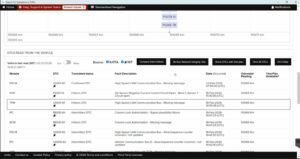
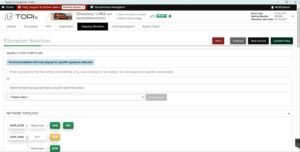
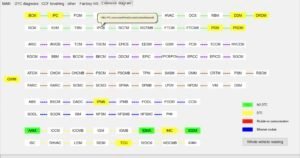
The platform exchanges real‑time diagnostic data with the cloud backend. It retrieves extended fault codes and repair‑related technical bulletins. Moreover, it suggests guided diagnostic routines based on the fault signature. As a result, technicians resolve complex issues faster and more accurately. The tool also uploads vehicle logs for remote expert analysis.
? Calibration and Configuration Management
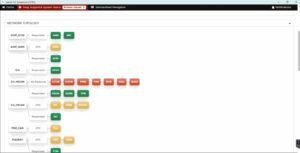
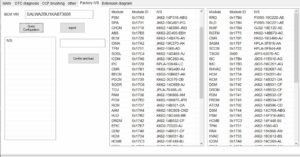
Users can download calibration files for various vehicle systems. They can also update the Car Configuration File using cloud‑based templates. Furthermore, the platform supports synchronising module configurations across the vehicle network. Consequently, workshops can perform retrofit coding and feature activations seamlessly. Finally, the session generates a comprehensive report for documentation.
Demo Token and Activation
? How to Obtain a 1‑Day Demo
Users can request a demo token through the SX‑Tool website. They need to provide their workshop name and a valid Topix account email. After verification, the team sends a one‑time activation key via email.
The key unlocks a full 24‑hour session for a single VIN.
? Limitations and Upgrade Options
The demo restricts usage to one vehicle identification number. It also expires automatically after 24 hours. However, users can extend access by purchasing a monthly or yearly subscription.
The full plans also offer unlimited VIN support and priority technical assistance.
?️ System Requirements
The service requires Windows 10/11 64‑bit with .NET 8.0 runtime. It needs a compatible DoIP VCI (JLR VCI or Mongoose) or ENET WiFi adapter. An active internet connection is mandatory for cloud communication. Additionally, users must have a registered Topix Cloud account .
Related products
Demo Software
Demo Software
Demo Software
Demo Software
Demo Software

Demo Software
Demo Software
Demo Software