

Demo SX‑CAN JLR Engineering Soft
? Product Description
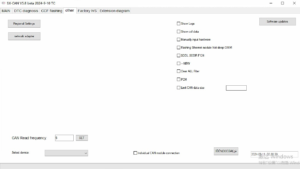
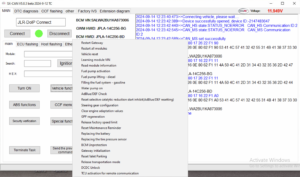
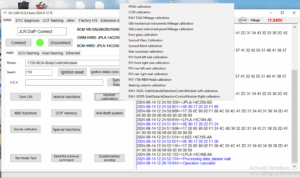
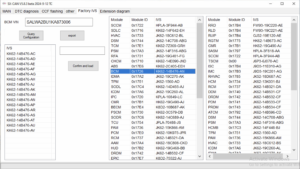
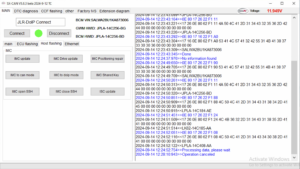
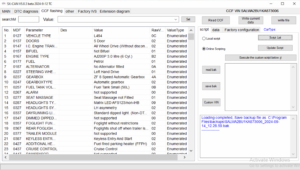
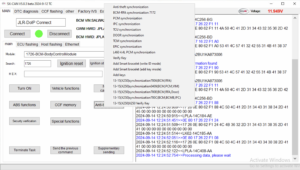
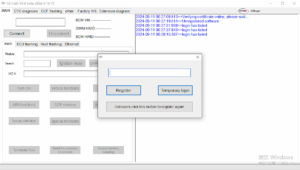
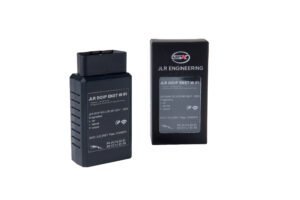
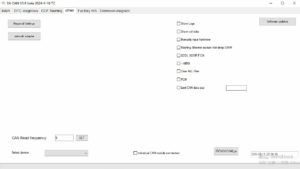
The Demo SX‑CAN JLR Engineering Soft provides automotive technicians with a powerful CAN‑bus analysis tool. A specialist uses a Demo SX‑CAN JLR Engineering Soft to access vehicle networks and perform advanced diagnostics. This software connects to the vehicle’s CAN‑bus via a compatible interface. Consequently, it enables reading and clearing fault codes, monitoring live data, and activating components.
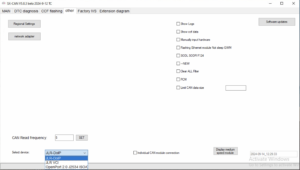
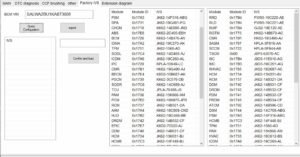
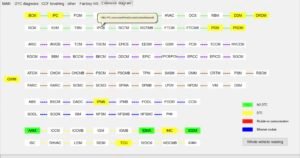
The demo version offers full functionality for a limited trial period. Therefore, workshops can evaluate its capabilities before buying a license. The tool works with standard JLR diagnostic hardware and supports multiple CAN protocols. First, the technician installs the software on a Windows laptop. After that, they connect the interface to the OBD port and USB. Then they launch the application and select the vehicle model. Subsequently, the software establishes communication with the CAN network. As a result, the user sees all available modules and parameters.
? CAN‑Bus Analysis and Fault Detection
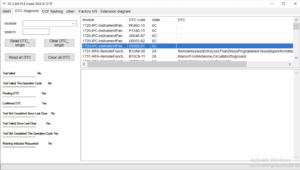
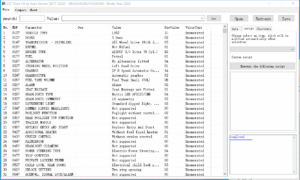
The software reads and clears diagnostic trouble codes from all modules.
It displays live sensor data and freeze‑frame information in real time.
Moreover, it supports oscilloscope‑style graphing for signal analysis.
Therefore, technicians can quickly pinpoint electrical and communication faults.
The tool also filters CAN traffic to isolate specific messages.
⚙️ Component Activation and Testing
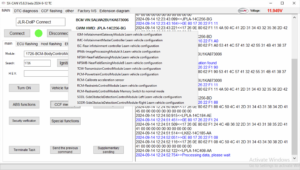
Users can perform output tests on actuators like windows, locks, and lights.
The software sends specific CAN messages to trigger component responses.
Furthermore, it monitors feedback signals to verify correct operation.
As a result, workshops can validate repairs without road testing.
This feature also aids in diagnosing intermittent issues.
? Configuration and Coding
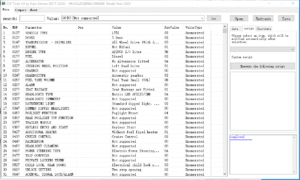
The tool allows editing of coding values and adaptation channels.
It enables retrofitting new modules by updating the configuration database.
Additionally, it supports reading and writing EEPROM data for certain ECUs.
Consequently, technicians can perform customization and feature activations.
The software includes a built‑in checksum calculator to prevent corrupt writes.
? How to Obtain a Demo
Users can request a demo token through the SX‑Tool website.
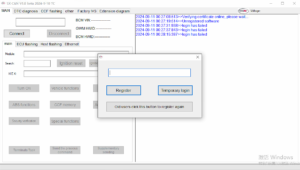
They need to provide their workshop name and a valid interface serial.
After verification, the team sends a unique activation key via email.
The key unlocks the software for a 48‑hour evaluation period.
? Limitations and Upgrade Path
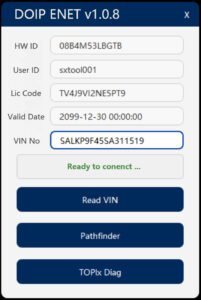
The demo restricts usage to one vehicle identification number.
It also expires automatically after 48 hours.
However, users can purchase a full SX‑CAN license for unlimited VINs.
The full version also adds support for advanced CAN‑FD and diagnostic protocols.
?️ System Requirements
The software requires Windows 10/11 64‑bit with .NET 6.0 runtime.
It needs a compatible CAN interface.
An active internet connection is optional for activation.
Additionally, users must have administrator privileges for installation.
Related products
Demo Software

JLR Software
Demo Software
JLR Engineering
SX-Tool JLR Coding Programming JET Master JLR Engineering Tool
Demo Software
JLR Engineering