
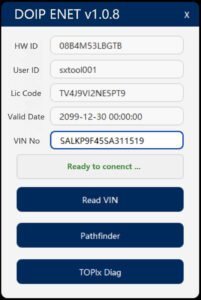
Demo JLR DOIP Enet Addon Soft for TOPIX Cloud

$69.00
Get dealer-level diagnostics, coding, and programming on 2017–2026 Jaguar Land Rover vehicles — with a JLR Enet cable, one add-on software, and a TOPIx cloud subscription. No approved premises. No five-figure annual fees. Just three things, and you’re in.
Demo JLR DOIP Enet Addon Soft for TOPIX Cloud
? Product Description
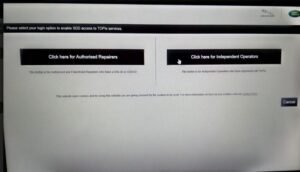
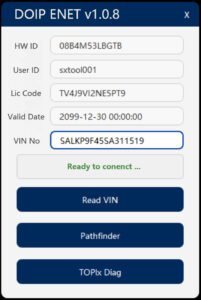
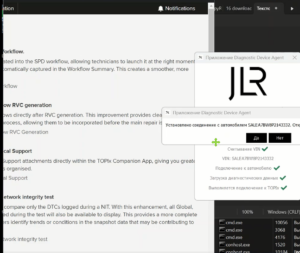
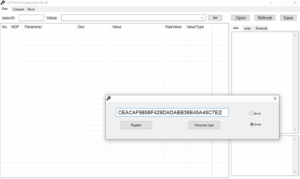
The Demo JLR DOIP Enet Addon Soft for TOPIX Cloud offers technicians a temporary gateway to advanced cloud‑based diagnostics. A specialist activates a Demo JLR DOIP Enet Addon Soft for TOPIX Cloud to test secure Ethernet connectivity with JLR’s central servers. This software addon bridges the vehicle’s DoIP interface to TOPIX Cloud.Consequently, it enables online programming, calibration downloads, and module synchronization. The demo version provides full functionality for a limited time. Therefore, workshops can evaluate its performance before purchasing a permanent license. This tool requires a compatible ENET WiFi adapter or wired DoIP VCI device. To start, the technician installs the addon on a Windows 10/11 laptop. After that, they connect the vehicle via Ethernet or WiFi to the diagnostic interface. Then they launch the TOPIX Cloud client and authenticate with their credentials. Subsequently, the addon establishes a secure TLS tunnel to the cloud.
? Secure Cloud Connectivity
The addon establishes a direct Ethernet link between the vehicle and TOPIX Cloud. It uses TLS 1.3 encryption to protect all data transmissions. Therefore, it ensures compliance with JLR’s security policies.
The software also handles automatic session renewal and token refresh. Consequently, technicians maintain uninterrupted access during long programming jobs.
? Online Programming and Calibration
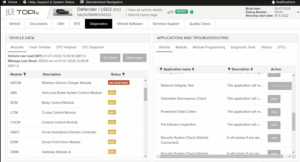
With this addon, users can download the latest ECU firmware and calibration maps. It supports module reprogramming and configuration uploads directly from the cloud. Furthermore, it validates file integrity using checksum verification. As a result, it prevents corrupted installations and module failures. The tool also provides real‑time progress indicators and error logging.
?️ Diagnostic Session Management
The addon integrates seamlessly with TOPIX Cloud’s session management.
It allows technicians to start, pause, and resume diagnostic sessions remotely.
Moreover, it records all diagnostic requests and responses for traceability.
This feature aids in troubleshooting and compliance audits.
Finally, the addon supports simultaneous connections to multiple cloud services.
? Demo Token and Activation
Users can request a demo token through the SX‑Tool website.
They need to provide their TOPIX Cloud username and a valid DoIP VIN.
After verification, the team sends a unique activation key via email.
The key unlocks the addon for a 24‑hour evaluation period.
? Limitations and Upgrade Path
The demo restricts usage to one vehicle identification number.
It also expires automatically after 24 hours.
However, users can extend the trial by purchasing a full JLR DOIP Enet Addon license.
The full version supports unlimited VINs and offers priority cloud access.
?️ System Requirements
The addon requires Windows 10/11 64‑bit with .NET 6.0 runtime.
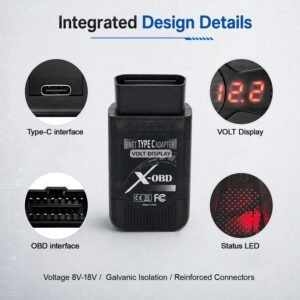
It needs a compatible DoIP VCI (e.g., JLR VCI, Mongoose) or ENET WiFi adapter.
An active internet connection is mandatory for cloud communication.
Additionally, users must have a valid TOPIX Cloud subscription (trial or paid).
Related products
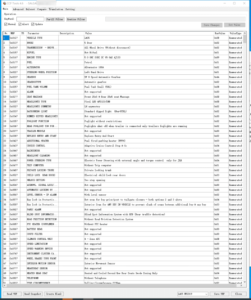
JLR Software
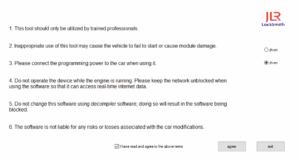

Demo Software
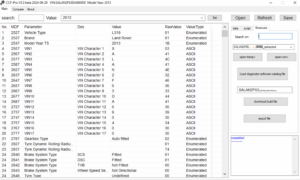
JLR Engineering
Demo Software


JLR Engineering