

Demo SX‑LINK Remote Diagnostic Bridge
? Product Description
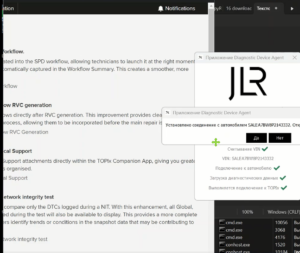
The Demo SX‑LINK Remote Diagnostic Bridge allows technicians to perform vehicle diagnostics from anywhere. A specialist uses a Demo SX‑LINK Remote Diagnostic Bridge to connect remotely to a vehicle’s OBD system via Ethernet. This bridge creates a secure, encrypted tunnel between the workshop and the car. Consequently, it enables real‑time fault reading, live data streaming, and module programming without physical presence. The demo version offers full functionality for a limited time. Therefore, workshops can evaluate its performance before purchasing a license. This tool requires a compatible DOIP or CAN‑FD VCI at the vehicle side. First, the technician installs the SX‑LINK client software on a laptop. After that, they connect the vehicle’s VCI to the local network. Then they launch the bridge and authenticate with a token. Subsequently, the bridge establishes a WebSocket connection to the cloud server.
? Remote Connectivity and Secure Tunneling
The bridge establishes a TLS‑encrypted tunnel between the workshop and the vehicle. It uses WebSocket protocols for low‑latency data exchange. Therefore, it ensures secure and reliable communication.
The software also handles automatic reconnection in case of network drops. Consequently, technicians maintain uninterrupted sessions during long diagnostics.
? Real‑Time Data and Fault Management
With this bridge, users can read live sensor data and freeze‑frame information. It also supports clearing and reading Diagnostic Trouble Codes . Furthermore, it allows module identification and software version checks. As a result, it speeds up troubleshooting and reduces vehicle downtime. The tool also provides graphical data plotting for trend analysis.
?️ Programming and Configuration
The bridge supports remote ECU flashing and configuration uploads.
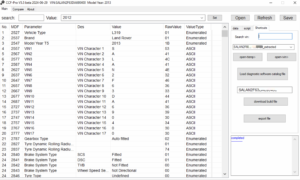
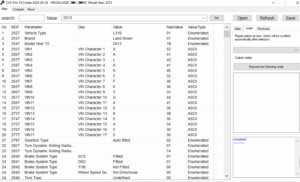
It enables CCF (Car Configuration File) editing and parameter adjustments.
Moreover, it validates file integrity before any write operation.
This feature prevents corrupted modules and bricked ECUs.
Finally, the bridge logs every programming step for audit purposes.
? How to Obtain a Demo
Users can request a demo token through the SX‑Tool website. They need to provide their workshop name and a valid VIN. After verification, the team sends a unique activation key via email. The key unlocks the bridge for a 72‑hour evaluation period.
? Limitations and Upgrade Path
The demo restricts usage to one vehicle identification number. It also expires automatically after 72 hours. However, users can purchase a full SX‑LINK license for unlimited VINs. The full version also adds priority support and advanced logging features.
?️ System Requirements
The bridge requires Windows 10/11 64‑bit with .NET 8.0 runtime. It needs a compatible DOIP or CAN‑FD VCI . An active internet connection is mandatory for cloud communication. Additionally, users must have a valid SX‑Tool account .
Related products
Demo Software
Demo Software
Demo Software
JLR Engineering
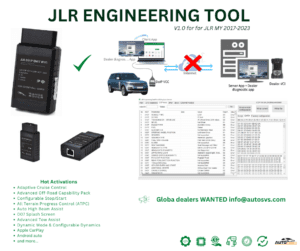
SX-Tool JLR Coding Programming JET Master JLR Engineering Tool
Demo Software
Demo Software
Demo Software
JLR Engineering