
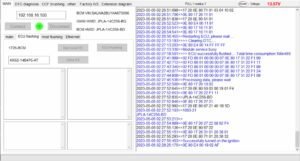
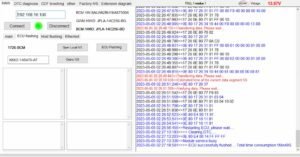
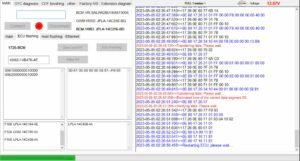
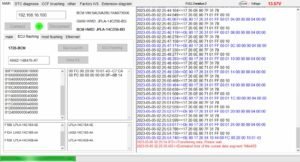
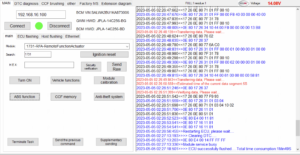
Demo SX-Tool JET Master JLR Engineering Soft
$199.00
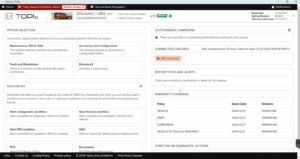
JLR SX-TOOL(JET Master)演示程序适用于2018年至2024年款基于 捷豹路虎 DOIP系统的车辆。它支持 通过Enet进行捷豹路虎诊断编码编程,无需Pathfinder或TOPix云平台;无需捷豹路虎DOIP VCI,并配备性能最佳、速度最快的捷豹路虎Enet WiFi适配器,可与捷豹路虎车辆完美兼容。软件亮点:
- 建议使用JLR DoIP车辆编码(MMY2018-2024)对2025款车型进行TOPix云编码。
- JLR DoIP车辆编程刷新(2018-2023款)
- CCF 编辑器、VBF 编辑器(至 2024 年)
- 编程中丢失的所有 密钥
Demo SX-Tool JET Master JLR Engineering Soft
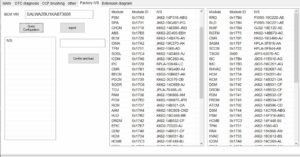
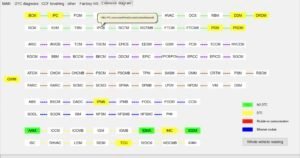
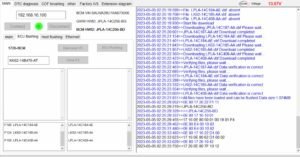
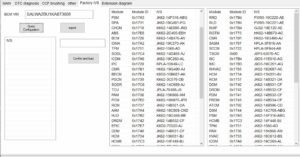
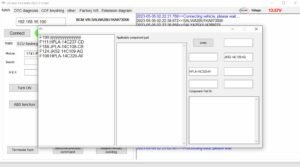
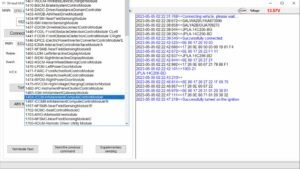
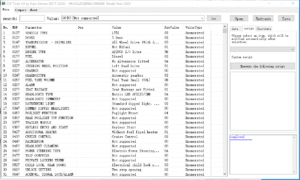
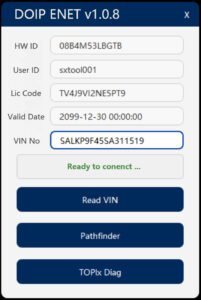
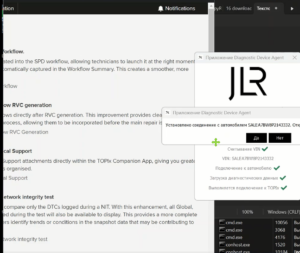
The Demo SX-Tool JET Master JLR Engineering Soft offers professional technicians a comprehensive engineering platform. A specialist activates the Demo SX-Tool JET Master JLR Engineering Soft to access dealer‑level functions without a permanent license. This software covers both DoIP and CAN‑FD protocols for modern vehicle networks. Consequently, it enables deep module diagnostics, advanced coding, and complex troubleshooting. The demo version provides full functionality for a limited evaluation period. Therefore, workshops can test its capabilities thoroughly before committing to a purchase. This tool works with standard ENET and WiFi adapters, and it supports a single VIN during the trial. To start, the technician installs the software on a Windows 11 machine. After that, they connect the vehicle via a compatible DOIP interface. Then they launch the application and authenticate with a provided token. Subsequently, the software reads the vehicle’s topology and module list.
? Advanced Diagnostics and Fault Analysis
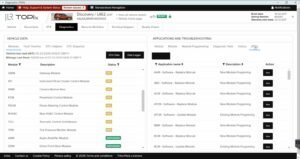
The software reads and clears Extended Diagnostic Trouble Codes. It captures live data streams and displays them in configurable dashboards. Furthermore, it performs actuator tests and component activations remotely. Therefore, technicians can quickly verify repairs without road tests. The tool also records freeze‑frame data for intermittent fault analysis.
? CCF Editing and Module Coding
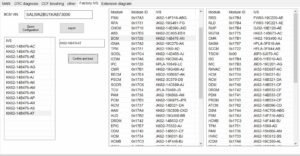
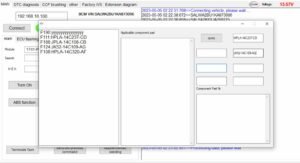
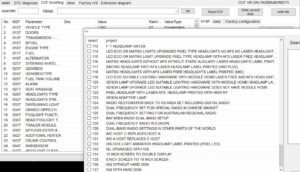
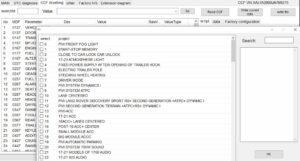
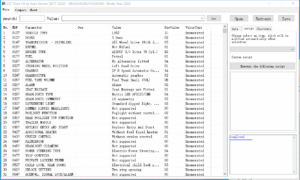
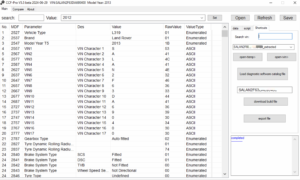
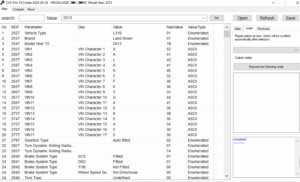
The JET Master allows direct editing of the Car Configuration File. It enables technicians to activate hidden features like dynamic lighting or drive modes. Moreover, it supports writing coding values to multiple ECUs simultaneously. As a result, workshops can perform retrofits and feature upgrades efficiently. The built‑in safety checker prevents invalid writes to critical modules.
? DoIP and CAN‑FD Bridging
The tool seamlessly bridges DoIP and CAN‑FD communication protocols. It uses standard ENET or WiFi adapters for vehicle connectivity. Therefore, it supports both legacy and modern vehicle architectures.
Additionally, the software handles secure cloud authentication for online functions. Finally, it provides comprehensive session logging for audit and warranty purposes.
? How to Obtain a Demo
Users can request a demo token through the SX‑Tool website portal. They need to provide their workshop details and a valid VIN for testing. After verification, the team sends a unique activation key via email.
The key unlocks the JET Master for a 72‑hour evaluation window.
? Limitations and Upgrade Path
The demo restricts usage to a single vehicle identification number. It also expires automatically after the 72‑hour period ends. However, users can purchase a full JET Master license for unlimited VIN access.
The full version also adds priority technical support and advanced scripting features.
?️ System Requirements
The software requires Windows 10 or 11 (64‑bit) with .NET 8.0 runtime. It needs a compatible DOIP VCI, ENET cable, or WiFi adapter. An internet connection is necessary for license activation and updates. Additionally, users must have administrator rights on the host computer.
Related products
Demo Software
Demo Software
Demo Software

Demo Software
Demo Software
Demo Software
Demo Software
Demo Software