


Demo CCF-PRO CCF Editor for Jaguar Land Rover 2006-2026
? Product Description
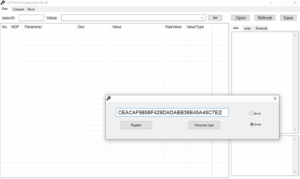
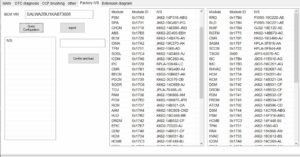
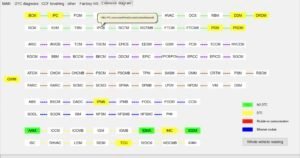
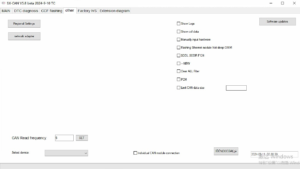
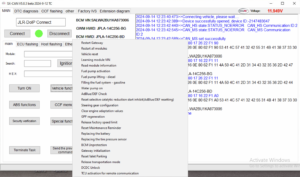
The Demo CCF‑PRO CCF Editor for Jaguar Land Rover 2006‑2026 allows technicians to explore factory‑level configuration capabilities. A specialist uses the Demo CCF‑PRO CCF Editor for Jaguar Land Rover 2006‑2026 to edit Car Configuration Files without needing a full subscription. This powerful tool provides direct access to CCF and CCS parameters across a wide model range. Consequently, it enables feature activations, module coding, and customisation of vehicle behaviour. The demo version offers full editing functionality for a limited trial period. Therefore, workshops can evaluate its performance and compatibility before purchasing a license. The software works with standard diagnostic interfaces and supports both online and offline modes. First, the technician installs the application on a Windows laptop.
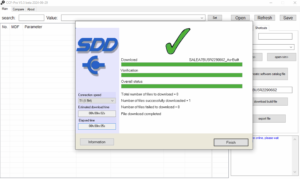
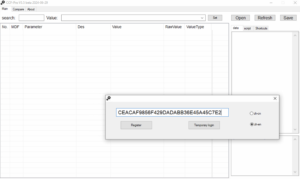
After that, they connect a compatible VCI to the vehicle’s OBD port. Then they launch the editor and authenticate with a trial token. Subsequently, the software reads the current CCF from the vehicle’s modules.
⚙️ Function
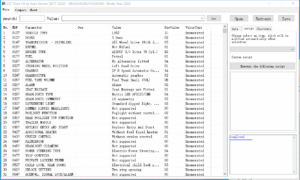
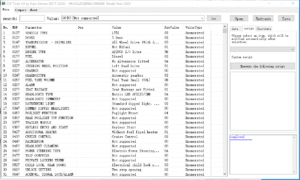
The editor provides direct access to all Car Configuration File parameters.
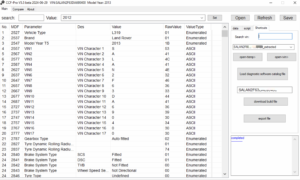
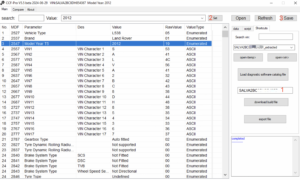
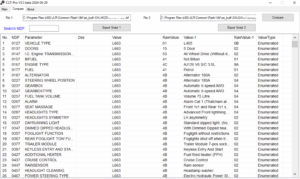
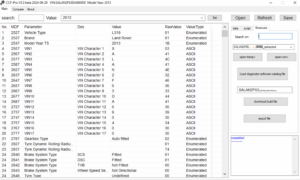
It displays each parameter with its current value, description, and valid range.
Furthermore, it allows batch editing of multiple parameters simultaneously.
Therefore, technicians can quickly configure vehicle features and systems.
The tool also supports saving and loading custom configuration profiles.
? Feature Activation and Module Coding
Users can enable hidden or optional features like dynamic lighting or drive modes. They can also update coding values for retrofitted modules without cloud dependency. Moreover, the editor includes a conflict detection system for safety. As a result, it prevents incompatible parameter combinations from being written. This feature saves time and protects against module corruption.
? Parameter Search and Comparison Tools
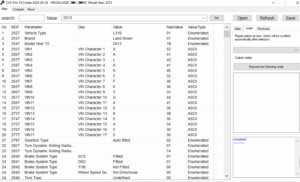
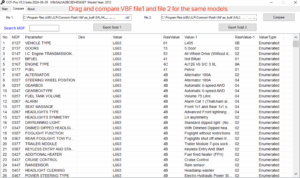
The software includes a powerful search function to find specific parameters quickly. It also allows users to compare two different CCF files side‑by‑side. Furthermore, it highlights differences and identifies changed values. Consequently, technicians can track modifications and revert changes easily. The tool also generates detailed reports of all modifications made.
? How to Obtain a Demo
Users can request a demo token through the SX‑Tool website.
They need to provide their workshop name and a valid VIN for testing.
After verification, the team sends a unique activation key via email.
The key unlocks the editor for a 48‑hour evaluation period.
? Limitations and Upgrade Path
The demo restricts editing to one vehicle identification number.
It also expires automatically after 48 hours.
However, users can purchase a full CCF‑PRO license for unlimited VIN access.
The full version also adds support for advanced parameters and cloud updates.
?️ System Requirements
The editor requires Windows 10/11 64‑bit with .NET 6.0 runtime.
It needs a compatible diagnostic interface (e.g., JLR VCI, Mongoose).
An internet connection is optional for activation only.
Additionally, users must have administrator privileges for installation.
Related products

Demo Software
Demo Software
JLR Engineering
Demo Software

Demo Software
Demo Software
Demo Software
Demo Software