


SX-CAN JLR Engineering Tool CAN Bus Vehicles
? Product Description
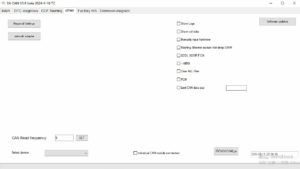
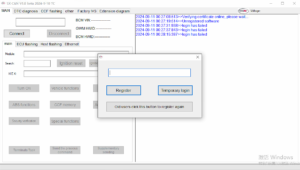
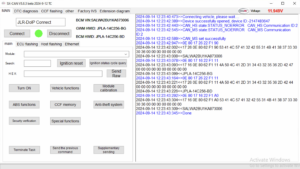
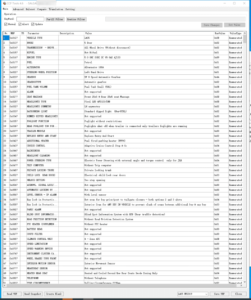
The SX-CAN JLR Engineering Tool CAN Bus Vehicles offers professional technicians a powerful CAN‑bus analysis platform. A workshop uses the SX-CAN JLR Engineering Tool CAN Bus Vehicles to read, decode, and transmit messages across vehicle networks. This tool supports all standard CAN protocols and delivers real‑time data from multiple ECUs. Consequently, it enables comprehensive fault diagnosis and component activation. The software works with a wide range of diagnostic interfaces. Therefore, it suits both independent garages and specialist workshops. Its intuitive interface reduces training time and boosts productivity.
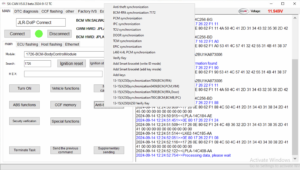
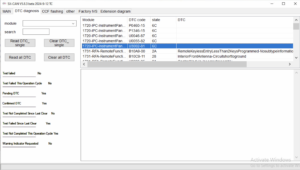
First, the technician connects a compatible CAN interface to the vehicle. After that, they launch the software and select the target network. Then they monitor live data streams or perform active tests. Subsequently, they analyse messages to pinpoint the root cause. As a result, they resolve complex electronic issues efficiently. The tool also logs session data for service documentation.
? CAN‑Bus Monitoring and Analysis
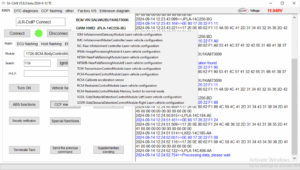
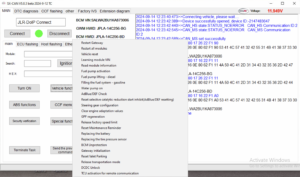
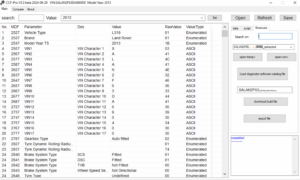
The tool captures and decodes CAN messages in real time. It displays raw data alongside human‑readable interpretations. Furthermore, it filters messages by ID, type, or value. Therefore, technicians focus on relevant network traffic. The software also records sessions for offline analysis.
⚙️ Component Activation and Testing
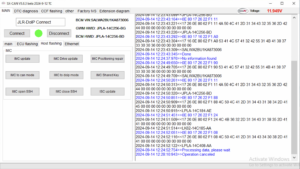
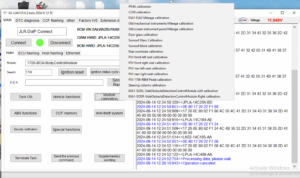
Users send specific CAN messages to trigger actuators. They test windows, locks, lighting, and other components. Moreover, they monitor feedback signals to verify responses. Consequently, they confirm repairs without road tests. The tool also supports automated test sequences for efficiency.
? Configuration and Coding
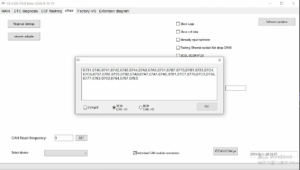
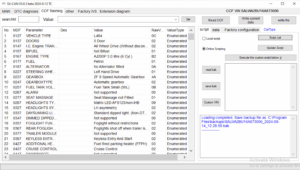
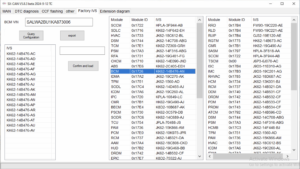
The software reads and writes coding values on supported ECUs. It enables technicians to update configuration parameters. Furthermore, it supports EEPROM reading and writing for certain modules. As a result, users perform retrofits and feature customisation. The tool includes a checksum calculator to prevent corrupt writes.
✨ Key Features
- Real‑time CAN‑bus monitoring and message decoding.
- Supports all standard CAN protocols and interfaces.
- Component activation and output testing.
- Coding and configuration of vehicle ECUs.
- Session logging and export for documentation.
- User‑friendly interface with advanced filtering options.
- Firmware upgradeable for future compatibility.
?️ System Requirements
- The software runs on Windows 10/11 64‑bit with .NET 6.0 runtime.
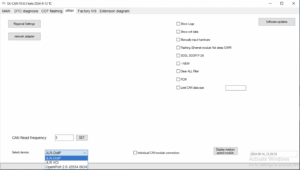
- It requires a compatible CAN interface (Kvaser, PCAN, or JLR VCI).
- An internet connection is optional – only for updates.
- Users must have administrative privileges for installation.
- The tool supports both USB and Bluetooth CAN adapters.
Related products
JLR Engineering
Demo Software

JLR Software

Virginised EEPROM
JLR Enet
JLR Engineering
JLR Software