

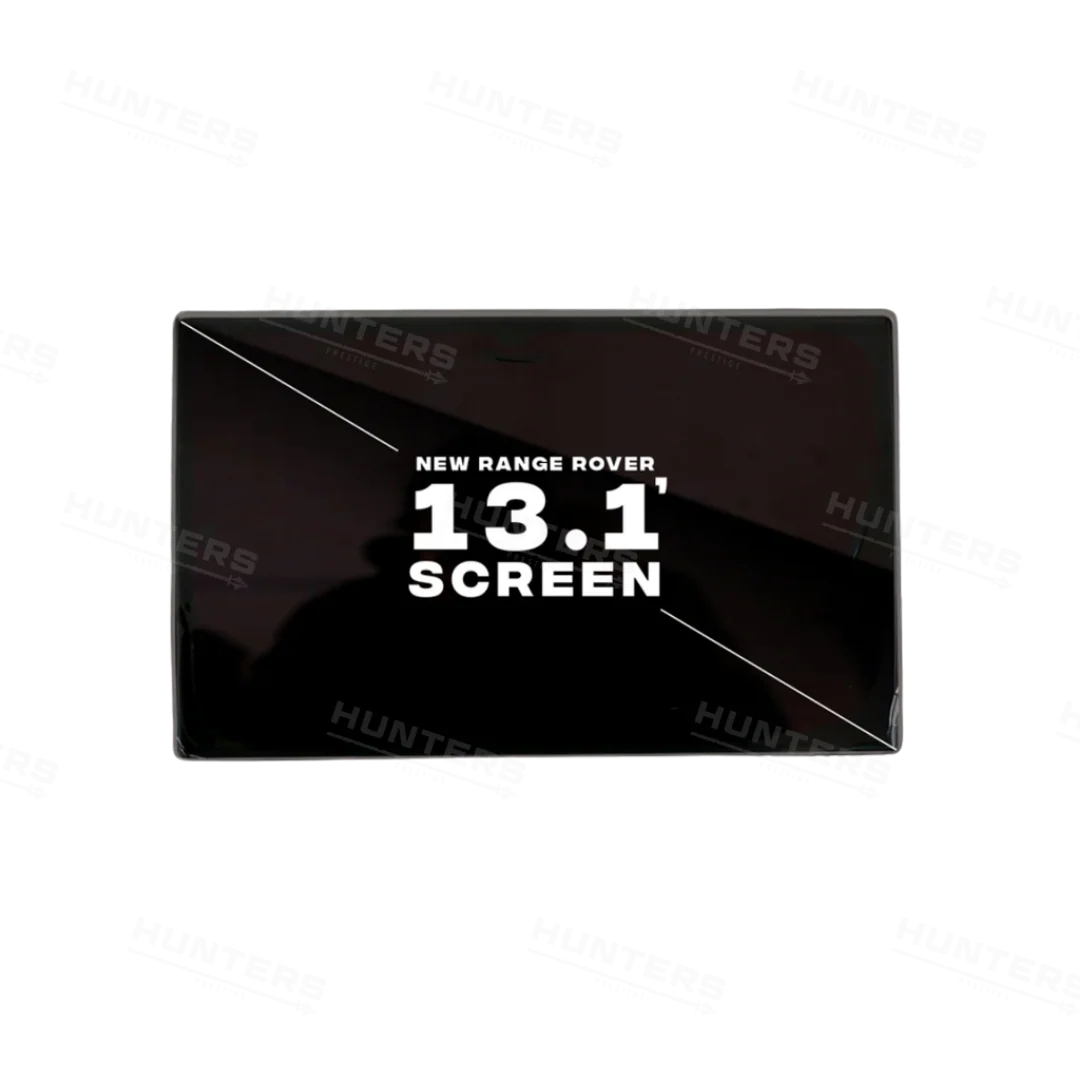
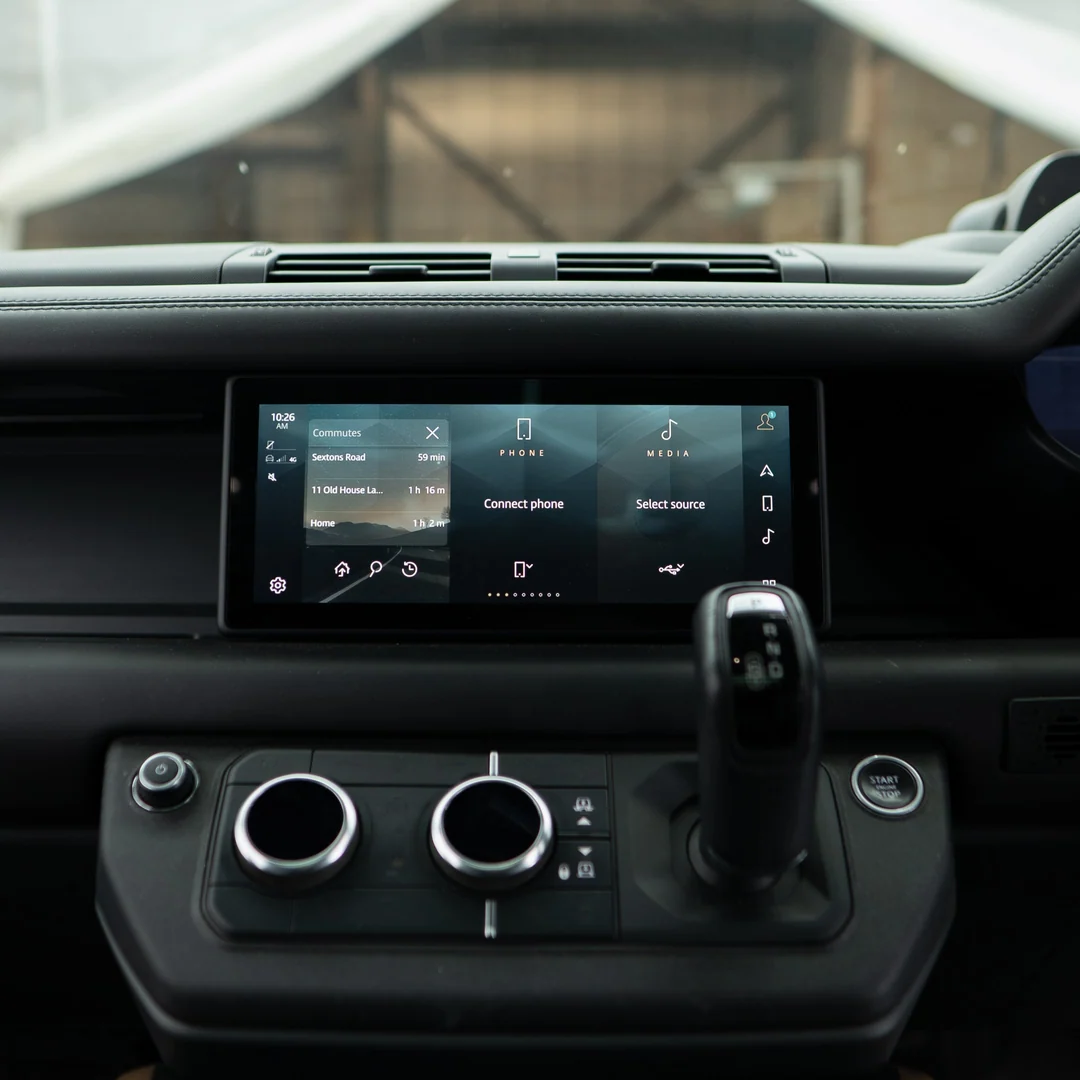
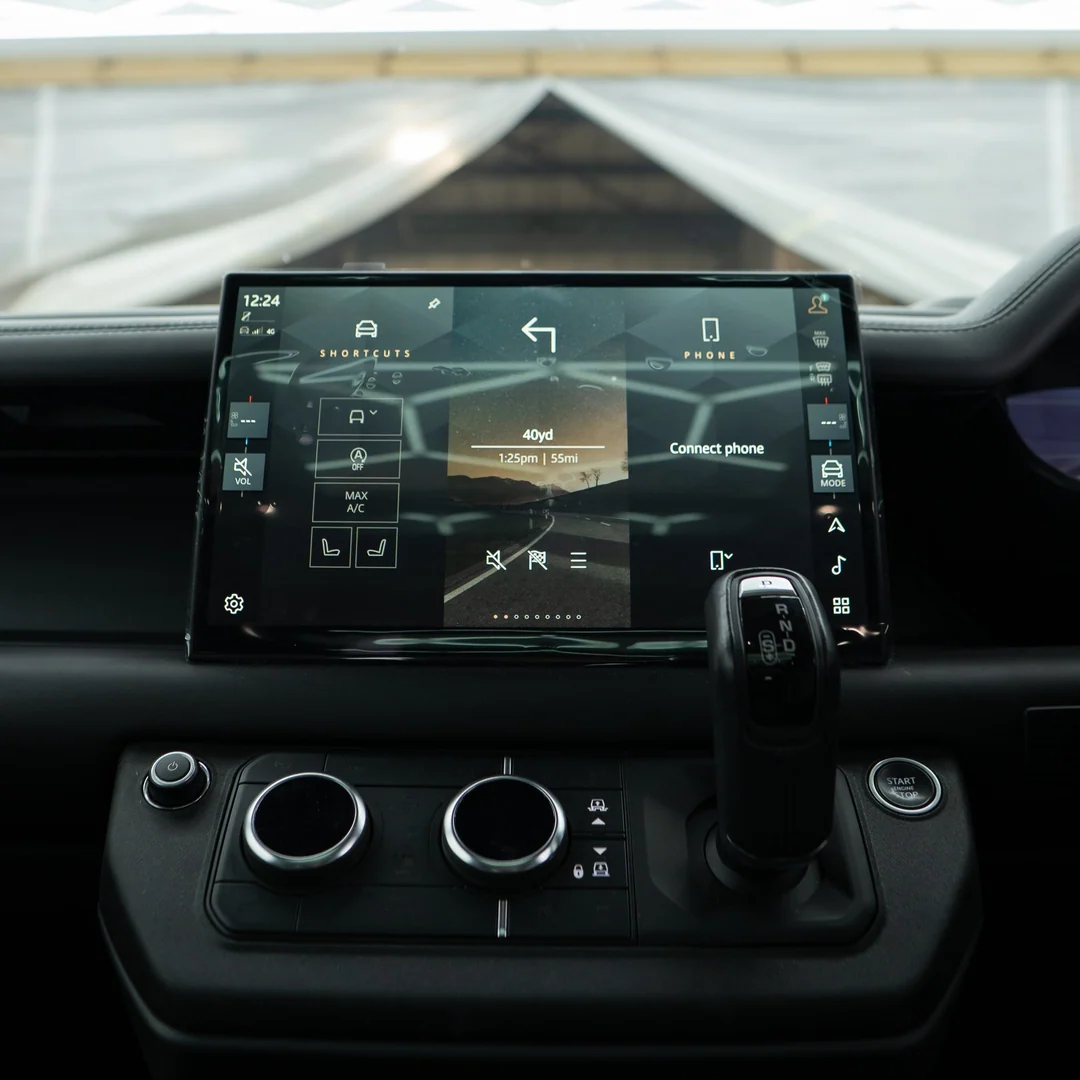
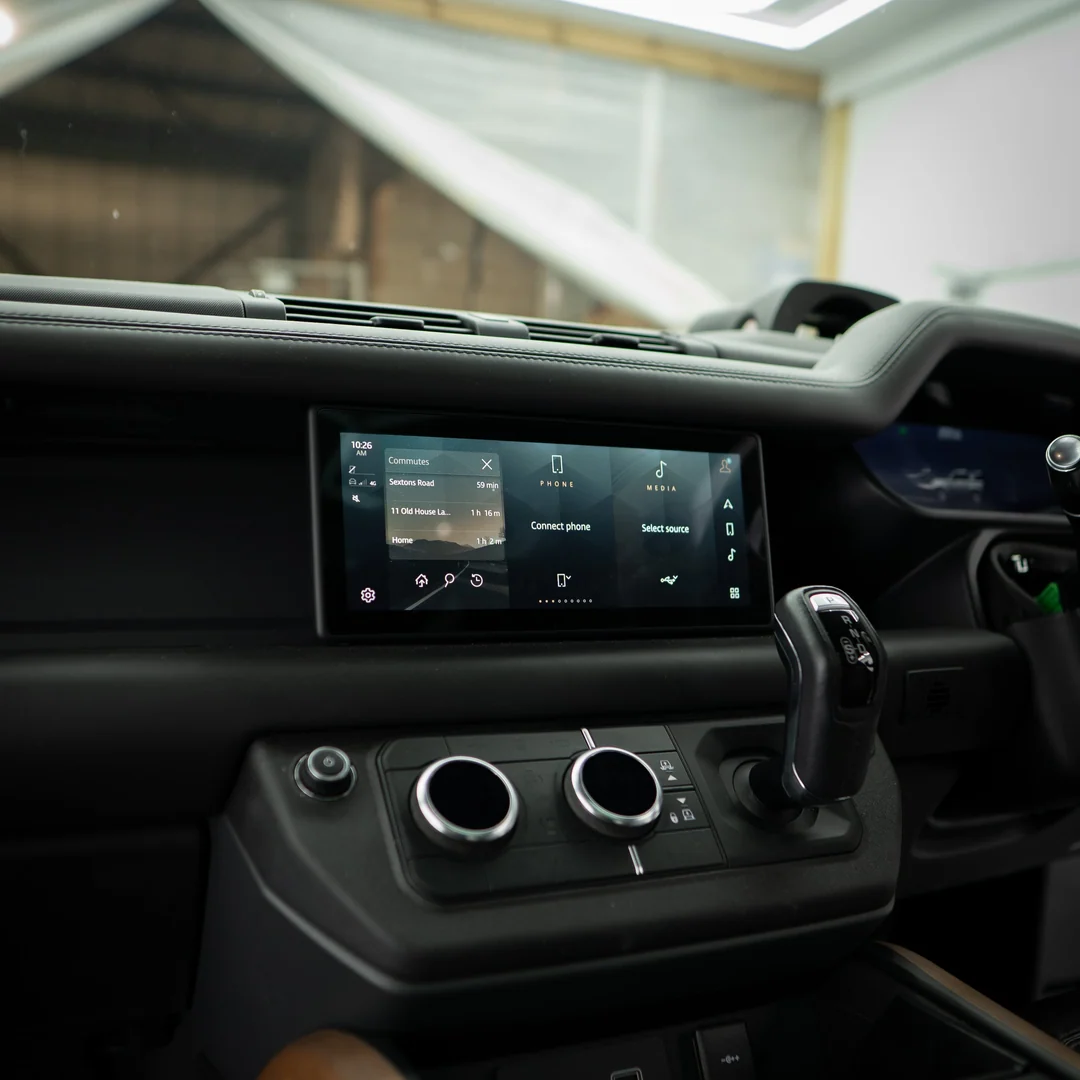
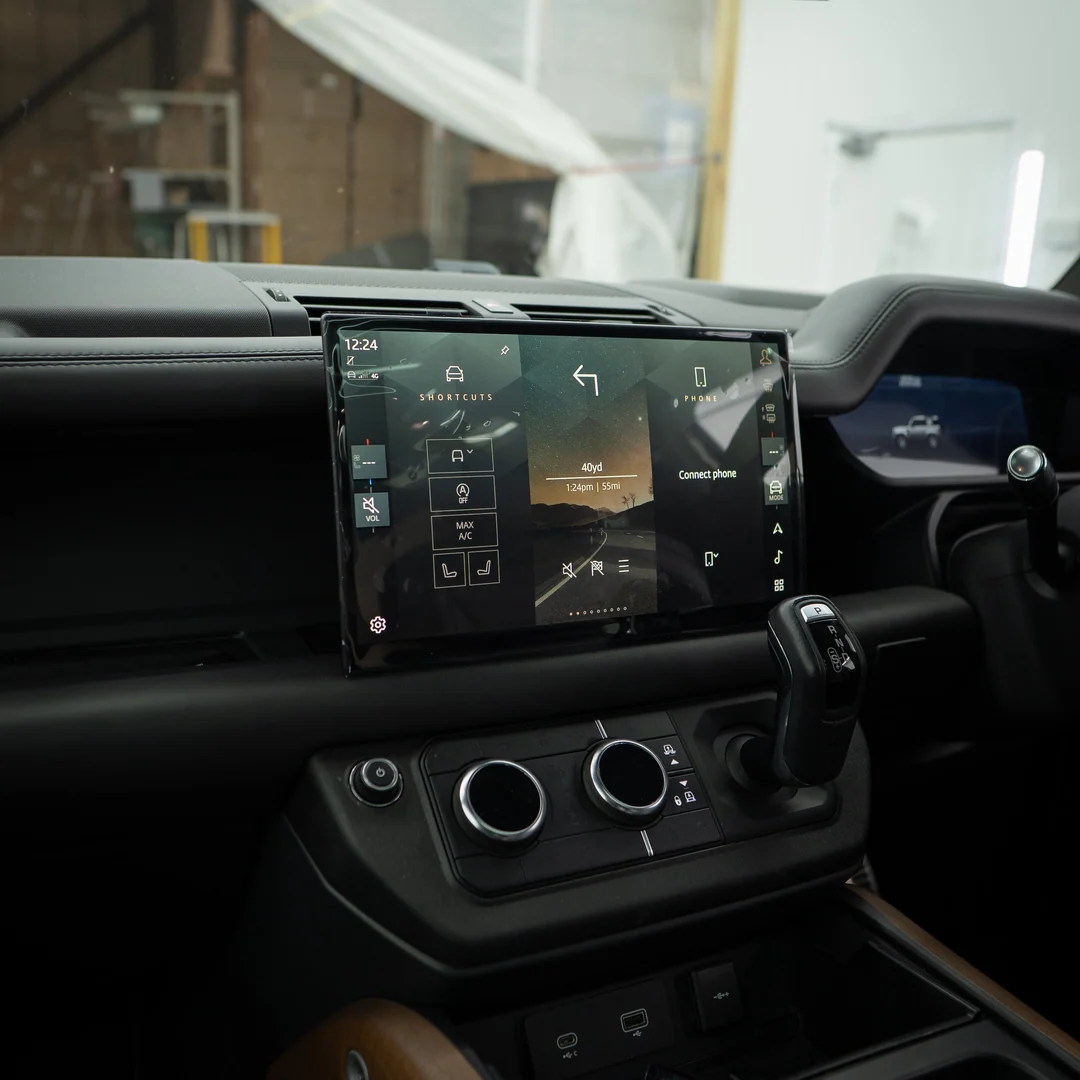
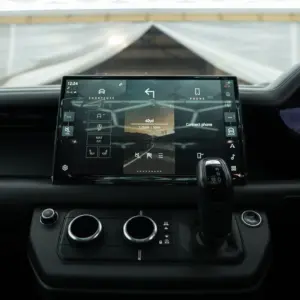
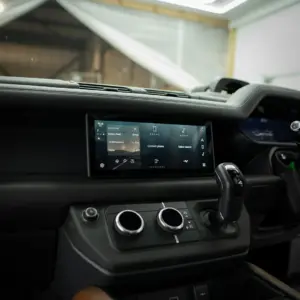
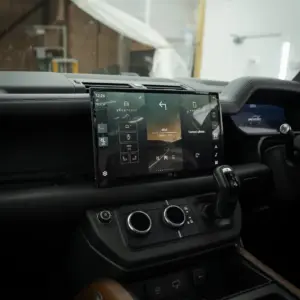
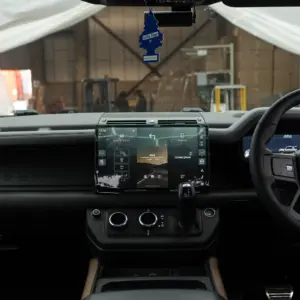
PIVI Pro 10″ to 13.1″ Screen Upgrade Retrofit
Price range: $4,004.05 through $6,056.55
Shop pivi pro 13 screen from JLR Engineering. Review system compatibility and option details, compare the selected option and confirm your requirements before ordering pivi pro 10" to 13.1" screen upgrade retrofit.
PIVI Pro 13 Screen product overview
PIVI Pro 13 Screen is a vehicle electronics upgrade from JLR Engineering that helps buyers compare the published product information, available options and intended use before purchase, with practical guidance for confirming the correct selection. This gives you a reliable starting point for reviewing the listing before purchase.
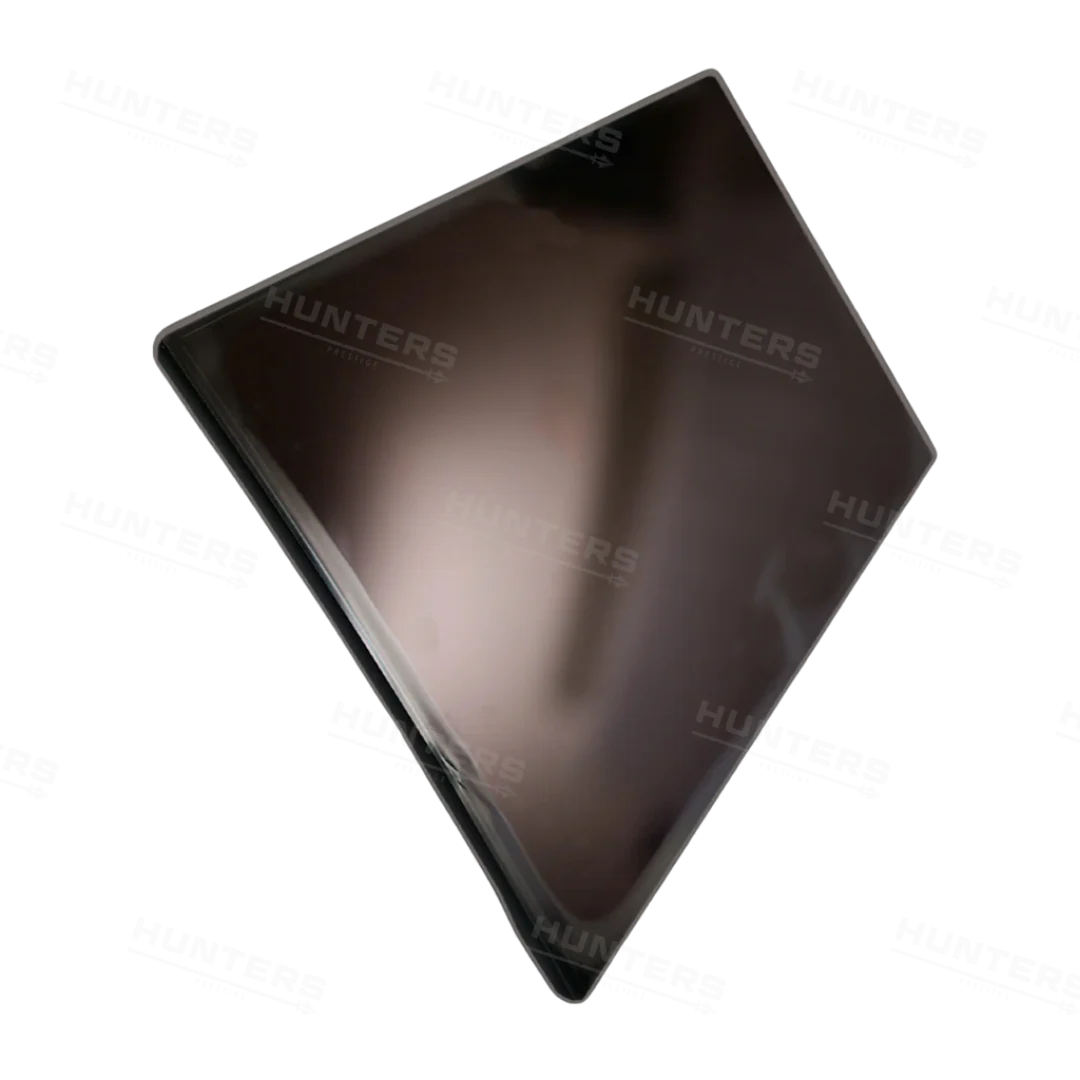
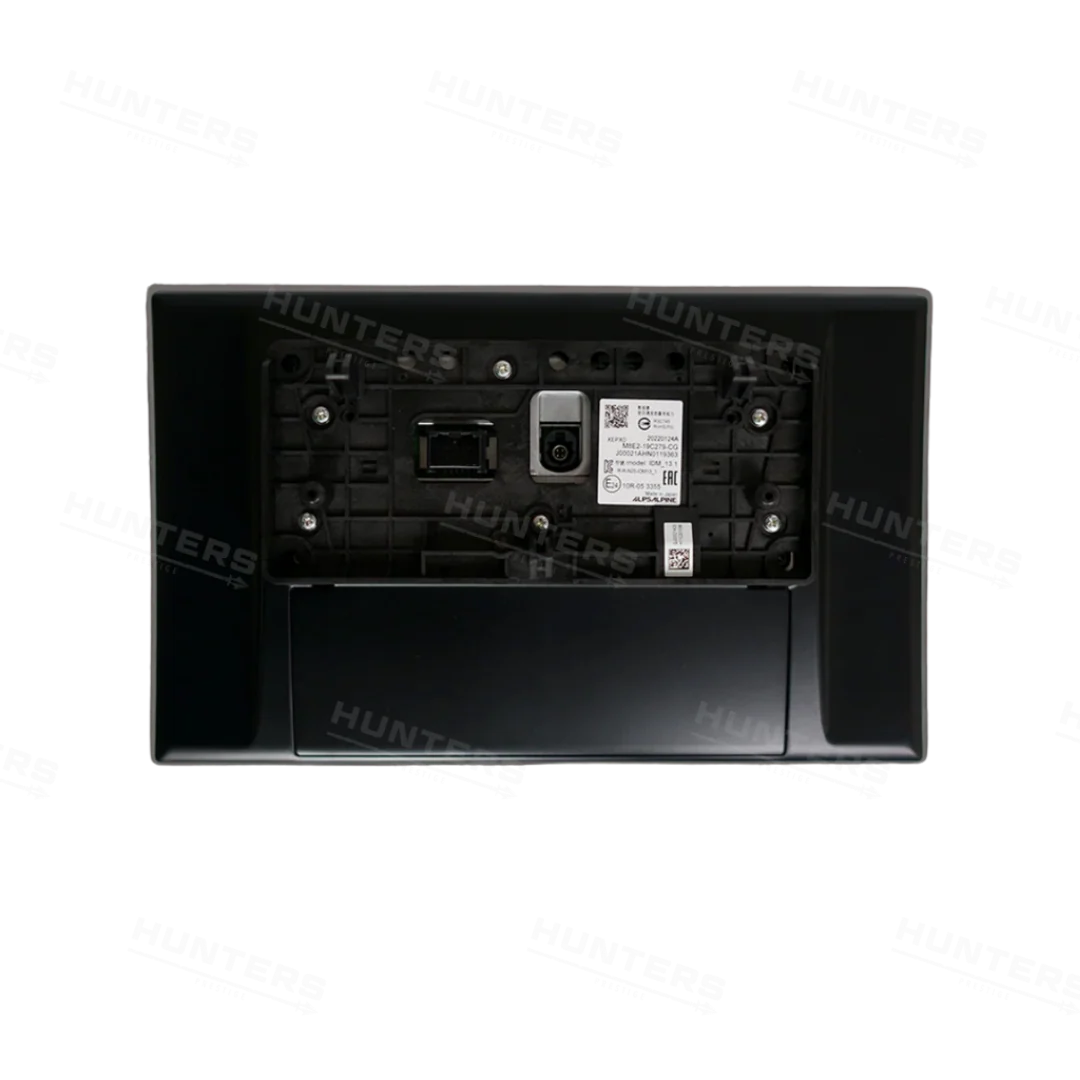
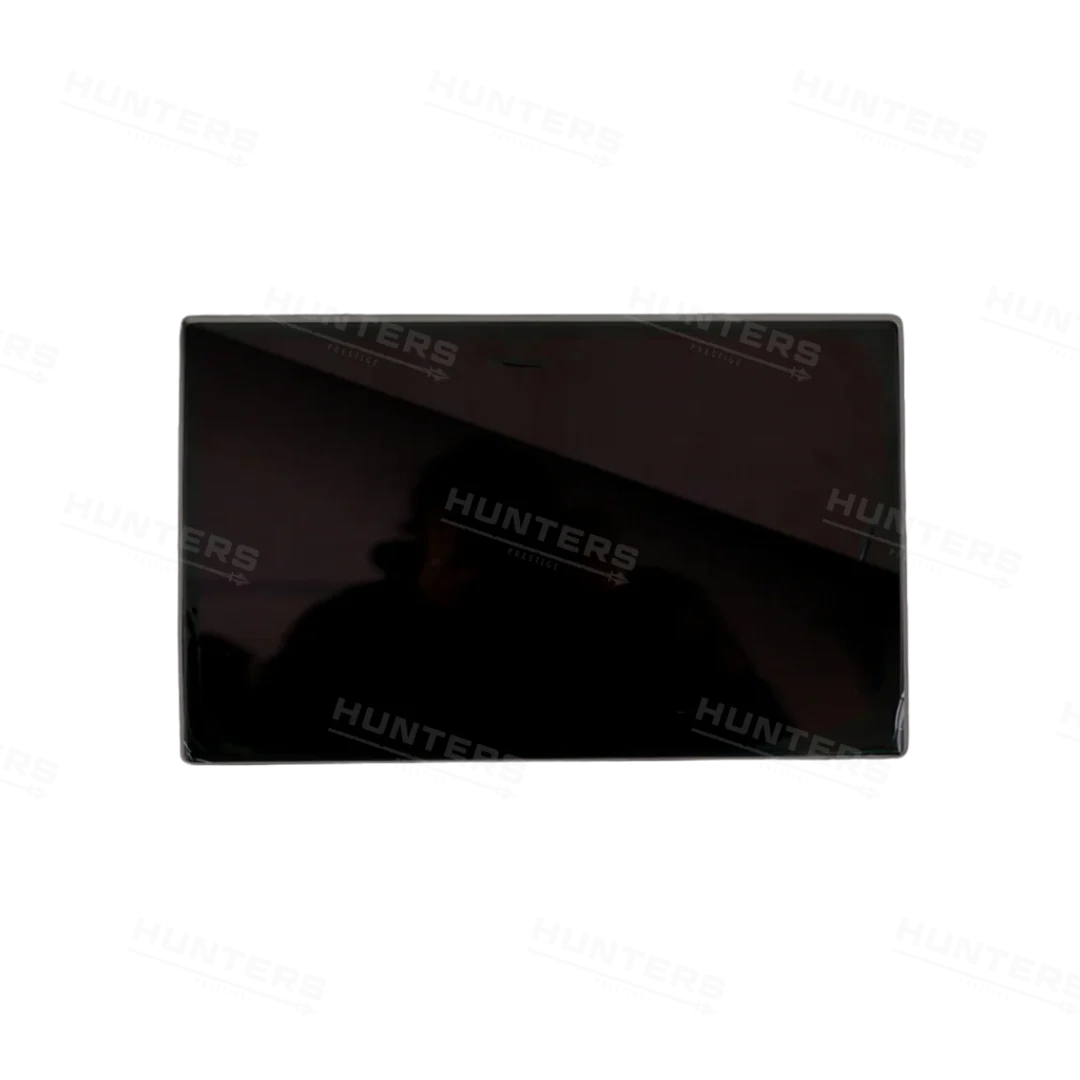
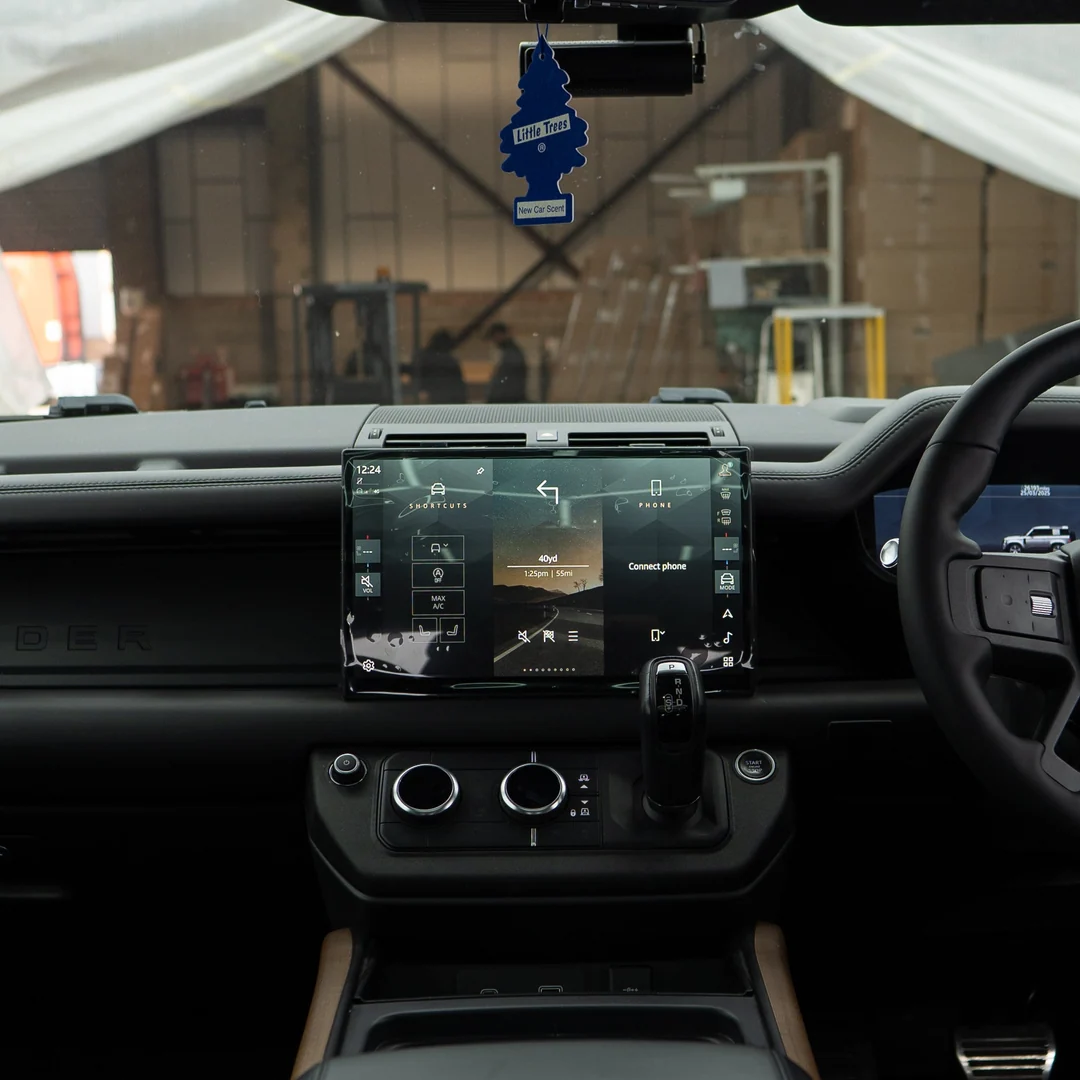
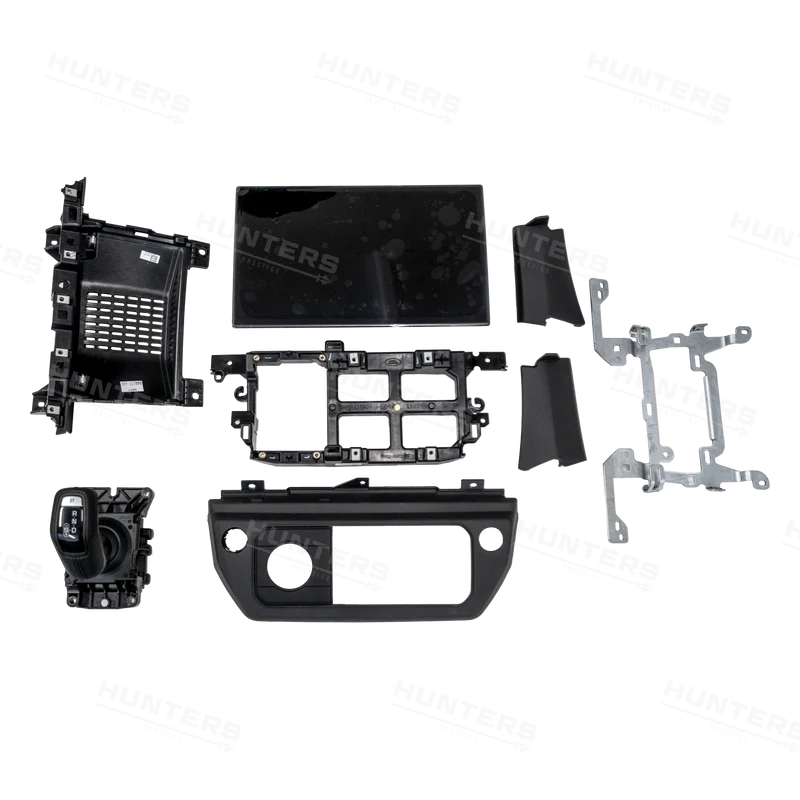
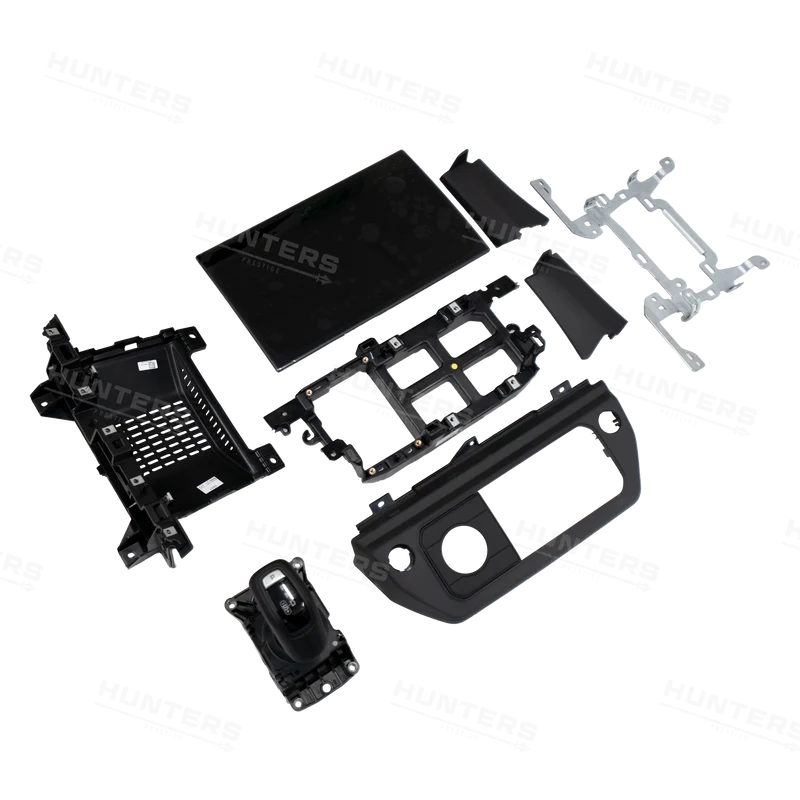
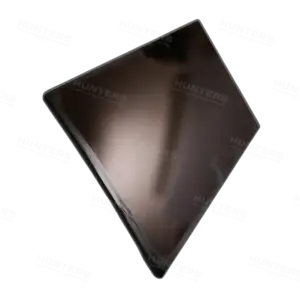
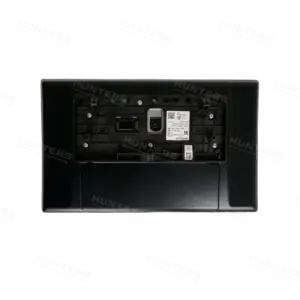
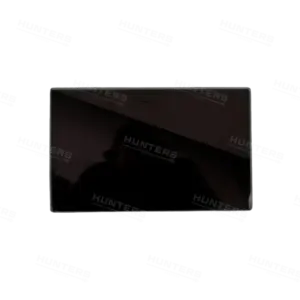
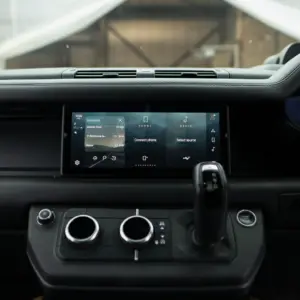
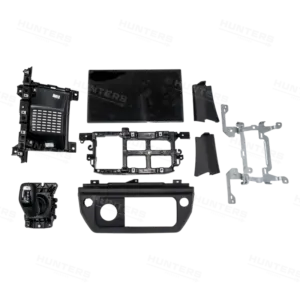
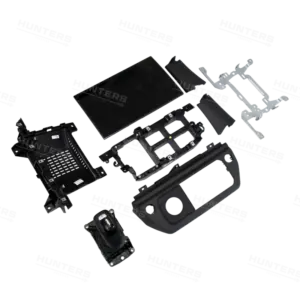
The listing covers PIVI Pro 10" to 13.1" Screen Upgrade Retrofit. Available choices include Type: JLR Engineering 13.1", MY26 Facelift 13.1". For example, compare the option names before adding the product to your basket. In addition, use the gallery to review the listed appearance rather than to assume compatibility.
Electronic upgrades can depend on software level, factory equipment and vehicle configuration. A matching model name alone is not enough. Record the VIN and current system details before comparing the listed option with your vehicle.
Compatibility and specifications
Compatibility for pivi pro 13 screen depends on the exact vehicle or intended use, the selected option and the published references, so buyers should compare each listed detail and resolve missing specifications before ordering. That check helps you confirm the correct listed item with greater confidence.
| Detail | Published information |
|---|---|
| Product | PIVI Pro 10" to 13.1" Screen Upgrade Retrofit |
| Model or year references | MY26 |
| Material references | See the product title and option details |
| Size or rating references | See the selected variant and listing details |
| Variant weight | 0 kg |
| Options | Type: JLR Engineering 13.1", MY26 Facelift 13.1" |
Use this checklist before ordering pivi pro 13 screen. First, record the relevant vehicle or product details. Then compare every published reference. However, do not treat an unpublished field as confirmation of a specification.
- Record VIN and production date
- Identify factory hardware and software level
- Confirm connectors and required coding
- Check the exact option and package contents
How to order with confidence
Ordering the correct version of pivi pro 13 screen requires a final review of the product name, selected option, intended application and any unresolved specification, followed by confirmation with the product team when a detail remains unclear. This approach supports an informed order without assuming details that are not published.
- Record your requirements. Note the vehicle, intended use and any factory option that may affect your choice.
- Select the listed option. Read every option label and check whether it changes appearance, hardware or function.
- Compare the gallery. Review the listed item, but do not use a similar appearance as proof of compatibility.
- Plan the next step. Record VIN and production date, then decide whether professional support is appropriate.
- Resolve questions before checkout. Ask about unpublished specifications or package contents when they affect your decision.
You can also compare l663 light extension kit when reviewing related listings. This gives you another product-specific reference without assuming that the two items have identical requirements.
Installation and ownership guidance
Installation and ownership requirements for pivi pro 13 screen vary with the selected product and application, so follow the supplied instructions, use qualified support for specialist work and complete a final function or fitment check. You can then resolve any remaining question with the product team before checkout.
Use a qualified technician for wiring, coding and system configuration. Back up relevant vehicle settings before work begins. Test the functions included in the selected option after installation, and keep a record of any software changes.
Browse the JLR Engineering product catalogue for related options. Visit the JLR Engineering technical resource centre for wider vehicle engineering information. In addition, the official Land Rover website provides manufacturer terminology and current vehicle-family references.
The JLR Engineering product team maintains this page as a practical buying resource. Last updated: 6 November 2026. Keep your selected option and order confirmation available when requesting product or installation support.
Frequently asked questions
These frequently asked questions explain compatibility, options, package contents, installation and final checks for pivi pro 13 screen, helping buyers make an informed decision without assuming specifications that are not included in the published listing. This gives you a reliable starting point for reviewing the listing before purchase.
Is pivi pro 13 screen compatible with my vehicle?
Compatibility for pivi pro 13 screen depends on your model, production year, factory configuration and selected option. Compare those details with the listing before ordering, and request a compatibility check if any published reference is unclear.
What options are available for pivi pro 10" to 13.1" screen upgrade retrofit?
The listing currently provides Type: JLR Engineering 13.1", MY26 Facelift 13.1". Select the option that matches your requirements, because a different finish or configuration may change the item you receive.
What comes with this listing?
The product title identifies the listed item, but it does not establish a complete component inventory for every version. Review the selected option and ask the product team to confirm package contents before ordering.
Record VIN and production date?
Start with the published listing and your own vehicle or product details. Use a qualified technician for wiring, coding and system configuration. Contact the product team if the available information does not answer your specific question.
How can I verify the details before purchase?
Compare the specification table, option labels and gallery for pivi pro 13 screen. If any required detail is missing, send your vehicle or product information to the support team before completing your order.
| Type | JLR Engineering 13.1", MY26 Facelift 13.1" |
|---|
Be the first to review “PIVI Pro 10″ to 13.1″ Screen Upgrade Retrofit”
Related products
Defender Retrofits
Defender Retrofits
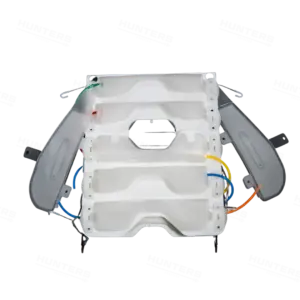
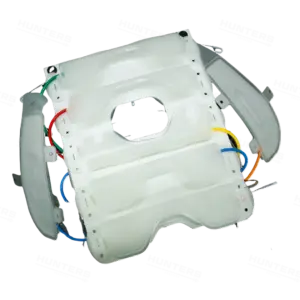
MY26 Defender Retrofits
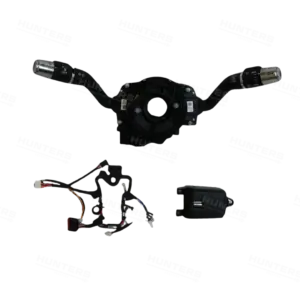
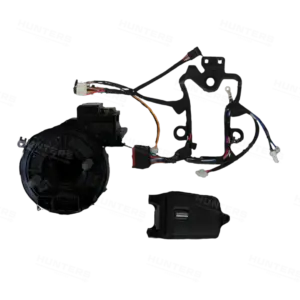
Defender Retrofits
110 L663 New Defender Interior Accessories
JLR Engineering Own Products
110 MY26 L663 New Defender Interior Accessories
Defender Retrofits
Reviews
There are no reviews yet.