






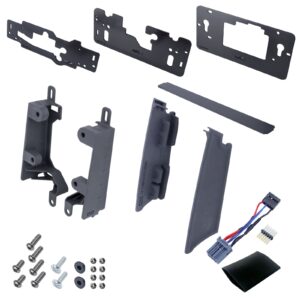
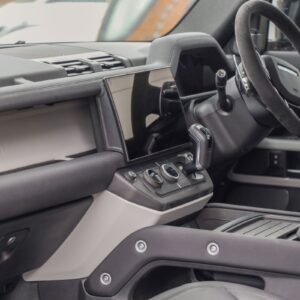





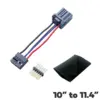
10″ to 13.1″ Infotainment Screen Kit for Land Rover Defender L663 (Brackets + Wiring Loom)

$162.50
L663 Infotainment Screen 10-Inch is presented with source-derived fitment, specification and part-reference details for this exact catalog entry. Check the documented application and configuration against your vehicle before selection; compatibility beyond those details is not assumed.
Last updated: 2026-11-06.
What is the L663 Infotainment Screen 10-Inch?
The L663 Infotainment Screen 10-Inch listing is organized around the exact product title and documented application. It separates sourced facts from general selection guidance, helping you assess fitment without treating unrelated model years, optional equipment or similarly named parts as confirmed compatible for this catalog entry.
The source title is “10" to 13.1" Infotainment Screen Kit for Land Rover Defender L663 (Brackets + Wiring Loom)”. This rewrite retains that product identity and any explicit genuine or aftermarket distinction, while removing competitor identity and unsupported commercial claims.
Which fitment and specifications are documented?
Documented fitment and specifications are limited to the details supplied in the product data. The table below preserves relevant vehicle names, model codes, year ranges, part references and source notes; blank or unavailable information is not replaced with assumptions or generic compatibility statements.
| Source detail | Documented information |
|---|---|
| Product title | 10" to 13.1" Infotainment Screen Kit for Land Rover Defender L663 (Brackets + Wiring Loom) |
| Application stated in title | Land Rover Defender L663 (Brackets + Wiring Loom) |
| Model code reference | L663 |
| Source SKU | LRDI914-V2-Kit |
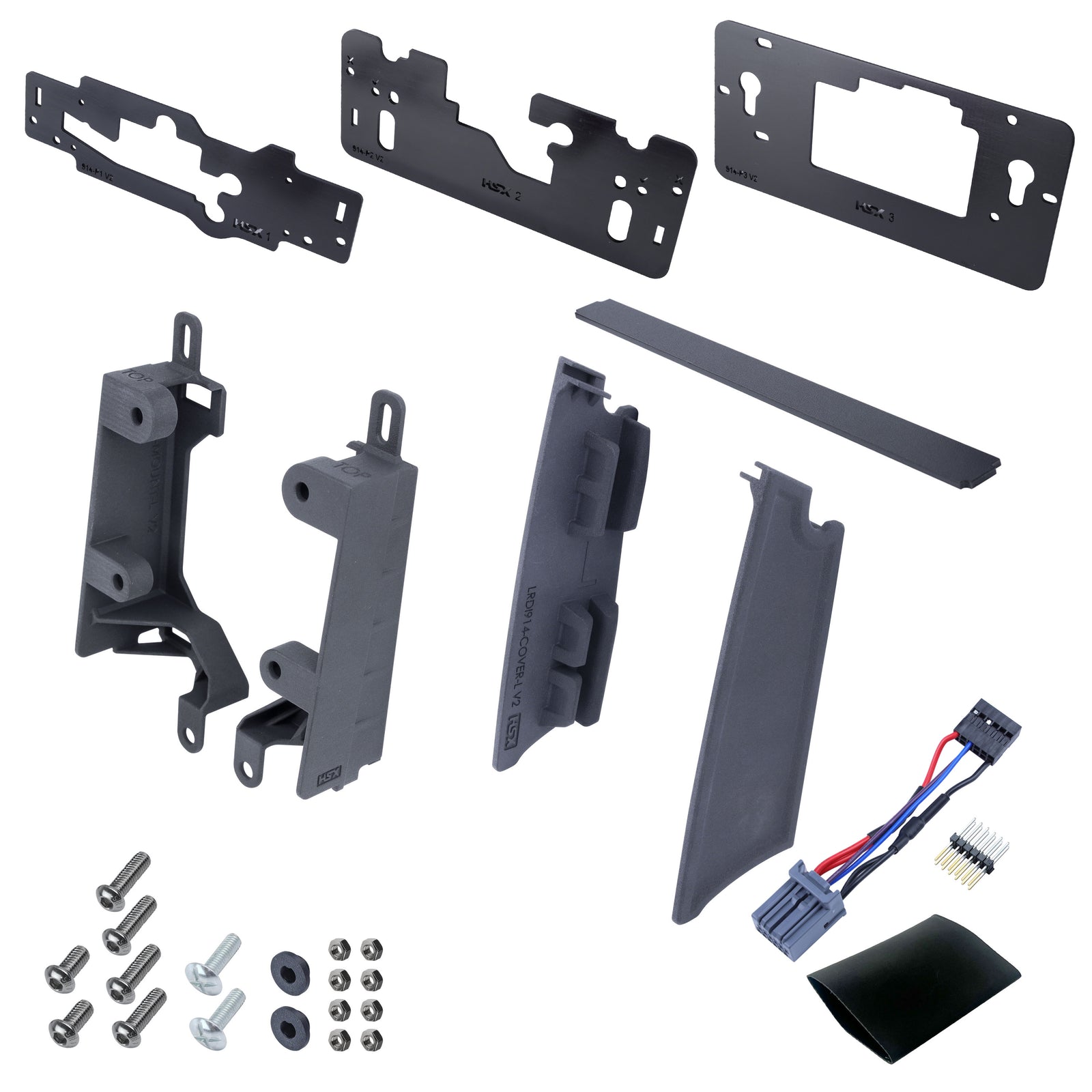
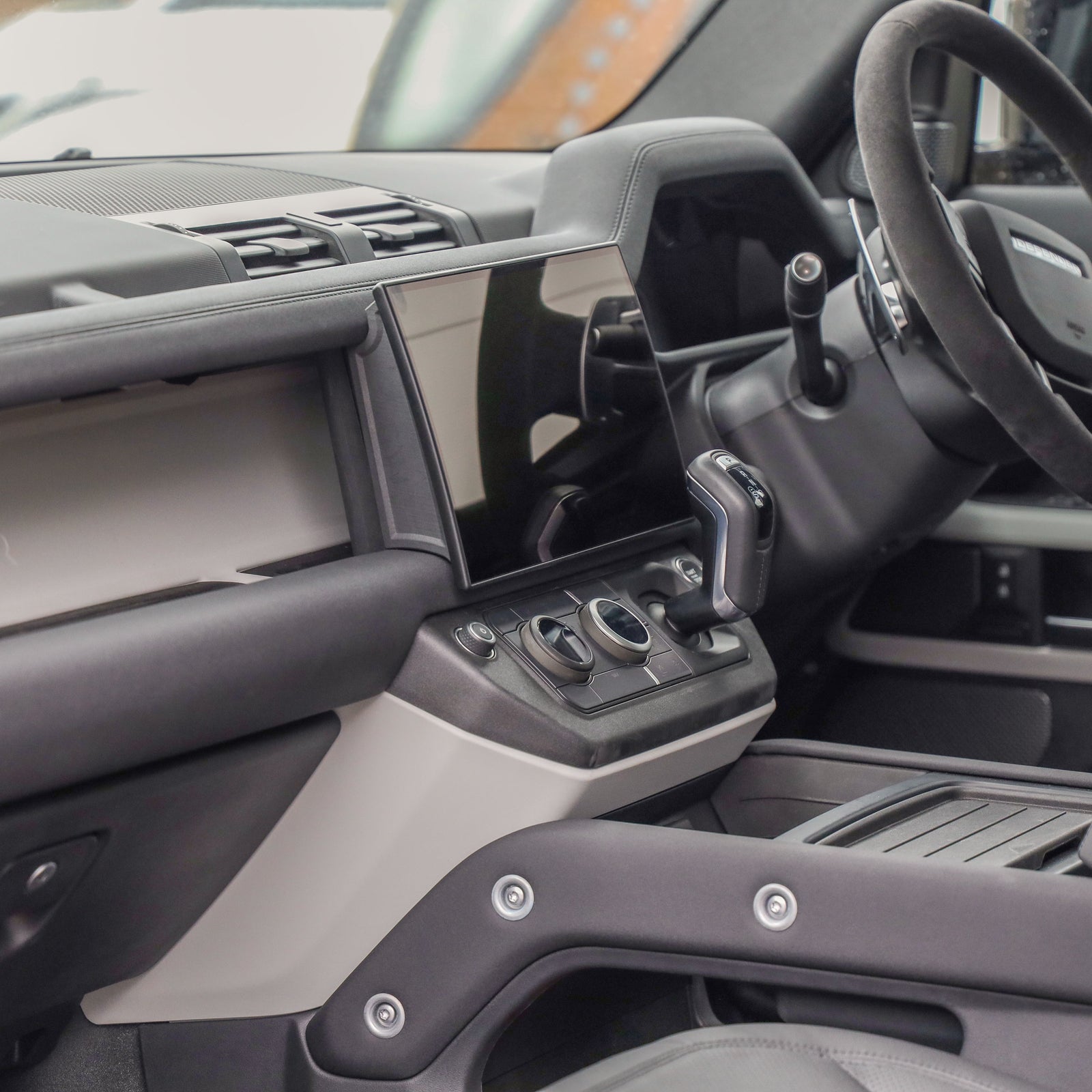
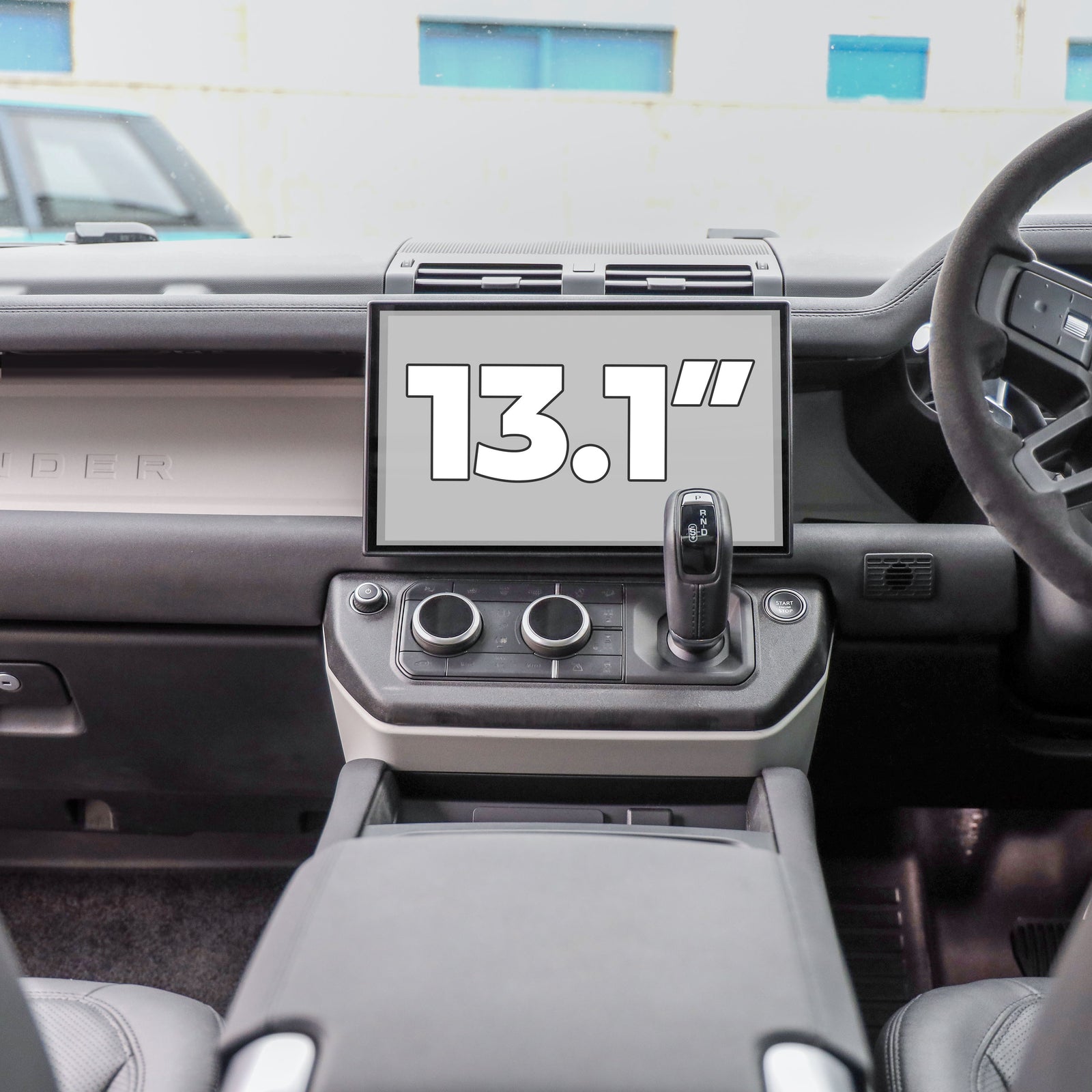
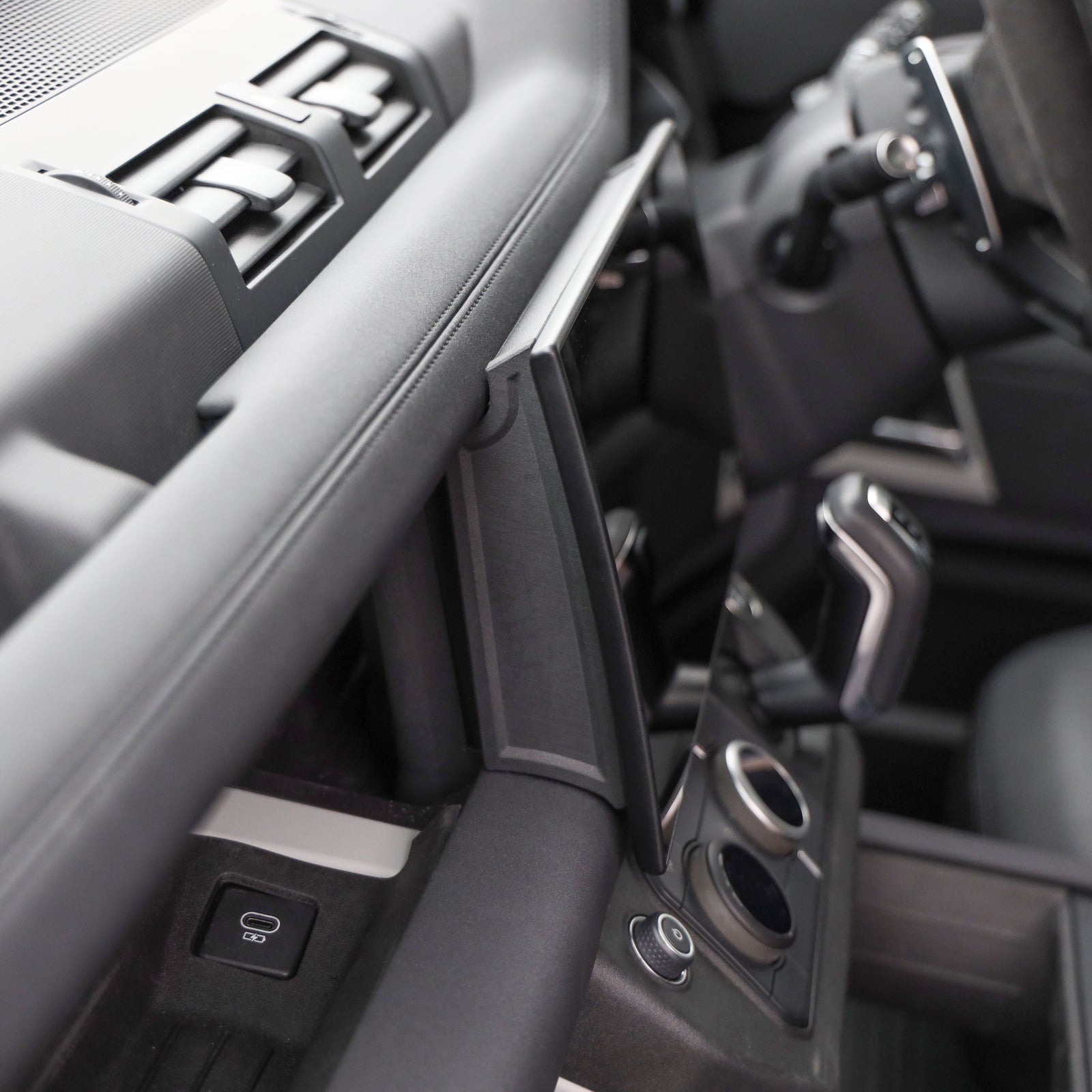
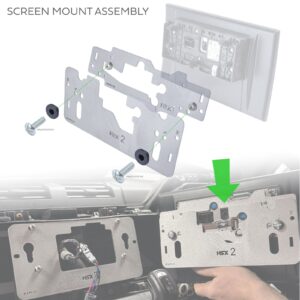
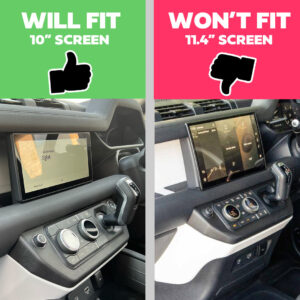
- This kit will allow you to change the 10" screen for the 13.1" screen in the Land Rover Defender L663.
- There is no cutting or drilling needed to fit this kit and it is 100% reversible.
- This kit does not include the new 13" screen – you will need to source your own 13.1" screen.
- These are not genuine Land Rover parts.
- This WILL fit the vehicles that currently have the 10" screen and allow you to fit the 13.1" screen on the Land Rover Defender L663
How do you choose the correct version?
Choose the correct version by matching the vehicle, model code, year range and existing part before comparing finish or configuration. A shared model name alone does not establish compatibility, particularly where the source distinguishes early and late parts, body styles, equipment levels or left and right sides.
- Compare every documented part reference with the reference on your existing component where available.
- Read configuration qualifiers such as early, late, heated, non-heated, side, finish and equipment as separate requirements.
- Treat only explicitly listed items as supplied; never infer extra fixings, wiring, accessories or vehicle components.
- When essential information is absent, verify the application through vehicle documentation or a qualified parts professional.
What should you check before installation?
Before installation, confirm that the new part matches the removed component and that the work area is safe. Follow the vehicle manufacturer’s service information, use suitable tools, and stop if connectors, mounting points or wiring differ from the documented application. Generic guidance cannot confirm a particular fitting procedure.
- Compare orientation, connectors, mounting points and dimensions before removing or discarding any original component.
- For electrical work, follow the appropriate service procedure for isolating the system; for trim and mechanical parts, avoid forcing clips or fasteners.
- Use the documented installation instructions when supplied, but do not assume that calibration, coding or programming is either required or unnecessary.
- After fitting, check secure placement and the relevant function. Seek qualified assistance if the specified procedure is unclear or requires specialist equipment.
No installation duration, test result or performance outcome is stated or implied by this generic checklist.
Questions about L663 Infotainment Screen 10-Inch
These answers address common selection questions for L663 Infotainment Screen 10-Inch using only the supplied product data. They explain where to find fitment and configuration details, what the generic installation guidance covers, and why no unsupported package, stock, review or performance claims appear in this catalog rewrite.
- What vehicles does L663 Infotainment Screen 10-Inch fit?
- The source title identifies the application as Land Rover Defender L663 (Brackets + Wiring Loom). Compare any model code, year range and part reference in the specification table with your vehicle and existing component. Other vehicles and configurations are not confirmed.
- Is L663 Infotainment Screen 10-Inch a genuine vehicle-brand part?
- The source describes this item as aftermarket or not genuine. It is therefore not presented as a genuine vehicle-brand part in this rewrite. The vehicle name remains only to identify the documented application and compatibility information.
- What is included with L663 Infotainment Screen 10-Inch?
- The source states: This kit does not include the new 13" screen – you will need to source your own 13.1" screen. No additional fixings, wiring, accessories or vehicle components should be inferred unless they are explicitly identified in the source notes. The specification table and source notes provide the available detail.
- How long does L663 Infotainment Screen 10-Inch take to install?
- No installation time is stated in this rewrite. Fitting requirements vary with the vehicle, part and documented procedure, so consult appropriate service information or a qualified installer. The generic checklist is not a model-specific installation guide or a confirmation that programming is or is not required.
| Weight | 3.243 lbs |
|---|
Be the first to review “10″ to 13.1″ Infotainment Screen Kit for Land Rover Defender L663 (Brackets + Wiring Loom)”
Related products
All Products
Defender
All Products
All Products
110 L663 New Defender Interior Accessories
All Products
Wiring Connectors & Charging
11.4″ to 13.1″ Infotainment Screen Kit for Land Rover Defender L663 (Brackets + Wiring Loom)
New Defender Interior Accessories
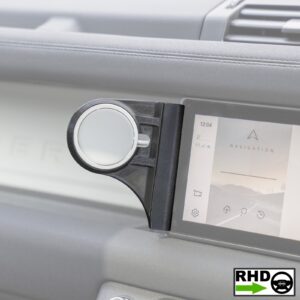
10″ Infotainment Screen Phone Mount for Land Rover Defender L663 – RHD – Magsafe Version
Reviews
There are no reviews yet.